
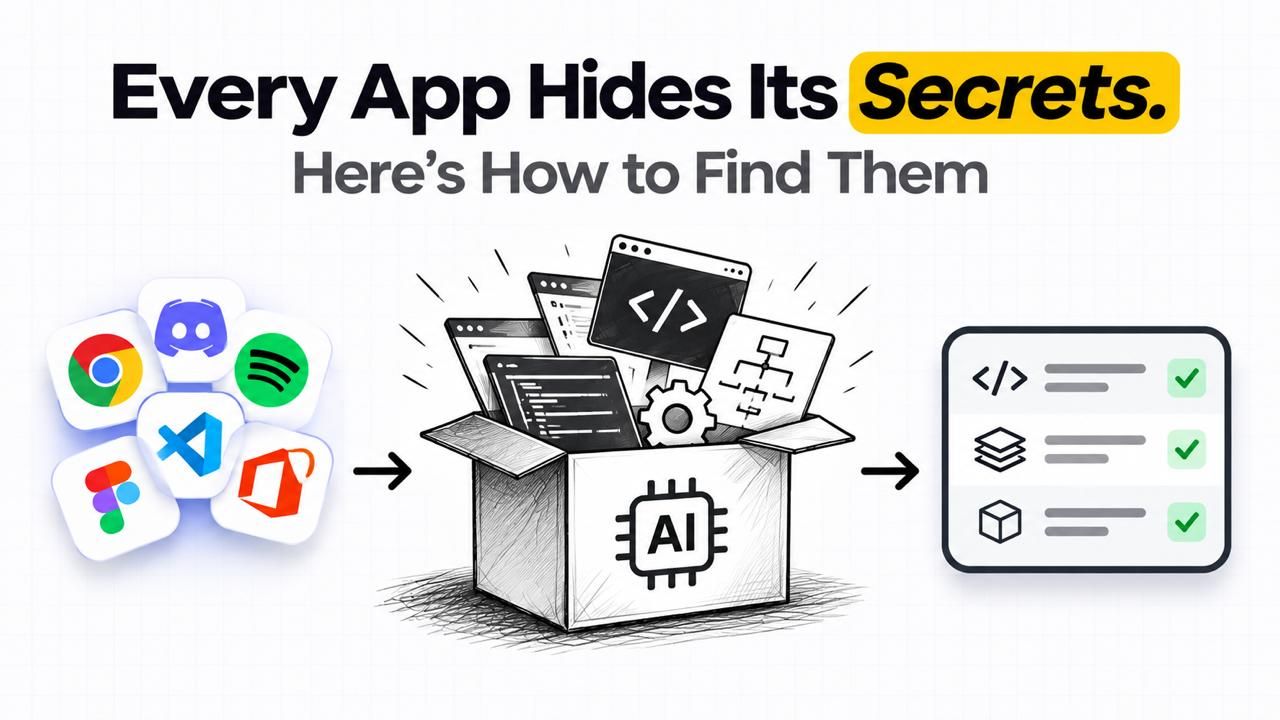
You've probably heard the story about one developer shipping an open-source alternative to products from giants like Adobe and Microsoft. One person against big greedy corporations. Today you will know exactly how to build software like this on your own without spending a single penny.
Some useful context first
The software you use Photoshop, Excel, etc. doesn't ship with its source code. That's the code the developers actually wrote. What you get instead is the compiled version of that code: binary, AKA machine code. Ones and zeros your CPU understands.
In order to reverse engineer software, you will need to use tools like Ghidra, Hopper, and IDA. What you mainly have to do is give your AI agentaccess to these tools. These tools existed even before AI was a thing, but in that time you had to learn how to use these tools yourself, and that usedup a lot of time. That is where "Reverse Engineer Anything" (REA) comes in. It's an MCP skill think of it as a bridge that lets an AI drive those reverse engineering tools for you. The AI reads the decompiled output, figures out what each piece does, and reconstructs the app's behavior in normal, readable code. So AI and REA didn't invent reverse engineering. They lowered the bar. Now, even a person with no software engineering experience can do it in minutes or hours, depending on how complex the app is.
The actual reverse engineering process
From this point on, let's go through the actual process.
Step 1: Get OpenCode
Go to the official OpenCode website. It's an AI coding assistant with a terminal UI and a dedicated app. The best part about OpenCode is that you don't need to create an account, and it comes with a solid list of free AI models.
Step 2: Pick a model
The free lineup changes from time to time, but when I ran this, there were a few genuinely good options, so I just picked the strongest one available that day. Quick tip: if a model stalls on a problem, change the model and keep going.
Step 3: Set up the REA skill
Just tell OpenCode to download and set up the REA skill. Or paste its GitHub link and tell it to set the skill up from there. That's the whole setup. You can just search REA (Reverse Engineer Anything) on Google, and you will get its GitHub link.
Step 4: Point it at an app
One thing to be clear about: you don't get the original source code back. You get a reconstruction. Same behavior, different code. It's not instantaneous, it has its quirks. You will watch it get stuck or make the same mistake once or twice, but if you just tell it to continue, it will figure it out eventually. I had it make me a copy of Apple's Notes app from my MacBook.
The clear limitations
Now, there are some clear limitations to this process. Basically, there are two kinds of apps, and this only really works on one of them.
Kind 1: everything happens on your device. Video editors, local tools, that sort of thing. The whole product is sitting there in the binary, which means the whole product is, in principle, recoverable.
Kind 2: the app is just a window. Netflix, Claude. Yes, there's an app on your device, and yes, you can reverse engineer it, but the app isn't the product. The product lives on the company's servers. All you'll recover is the window, not the view. Those apps are effectively impossible to reverse engineer into anything useful.
What else you can do with this
Here's where it gets fun. That Notes clone from a few minutes ago? It's not the end product. It's raw material. Because the code is now yours and readable, you can just ask for changes:
- Hate a feature? "Remove that AI button, I never use it."
- Missing one you want? Tell it to add that feature (give some referenceimages for better results).
This is the part the singular developer story skips: the win isn't the clone. The win is that the clone is a starting point — after that, you can bend it to whatever you want. You get the idea. Don't stop at reverse engineering. Customize it into something genuinely yours: your features, your design, your name. That's both the fun part and, conveniently, the part that saves your time.
Quick recap:
You now know:
- What reverse engineering actually is.
- How to do it for free with OpenCode and REA.
- Where it hits a wall (server-side apps), and why the customization step isthe real prize.
So go build your own version of your favorite app.

Siam hossain
Cofounder and CTO, ReNoizeFounder & Lead Engineer at Renoize, building custom web applications and high-performance digital products.